
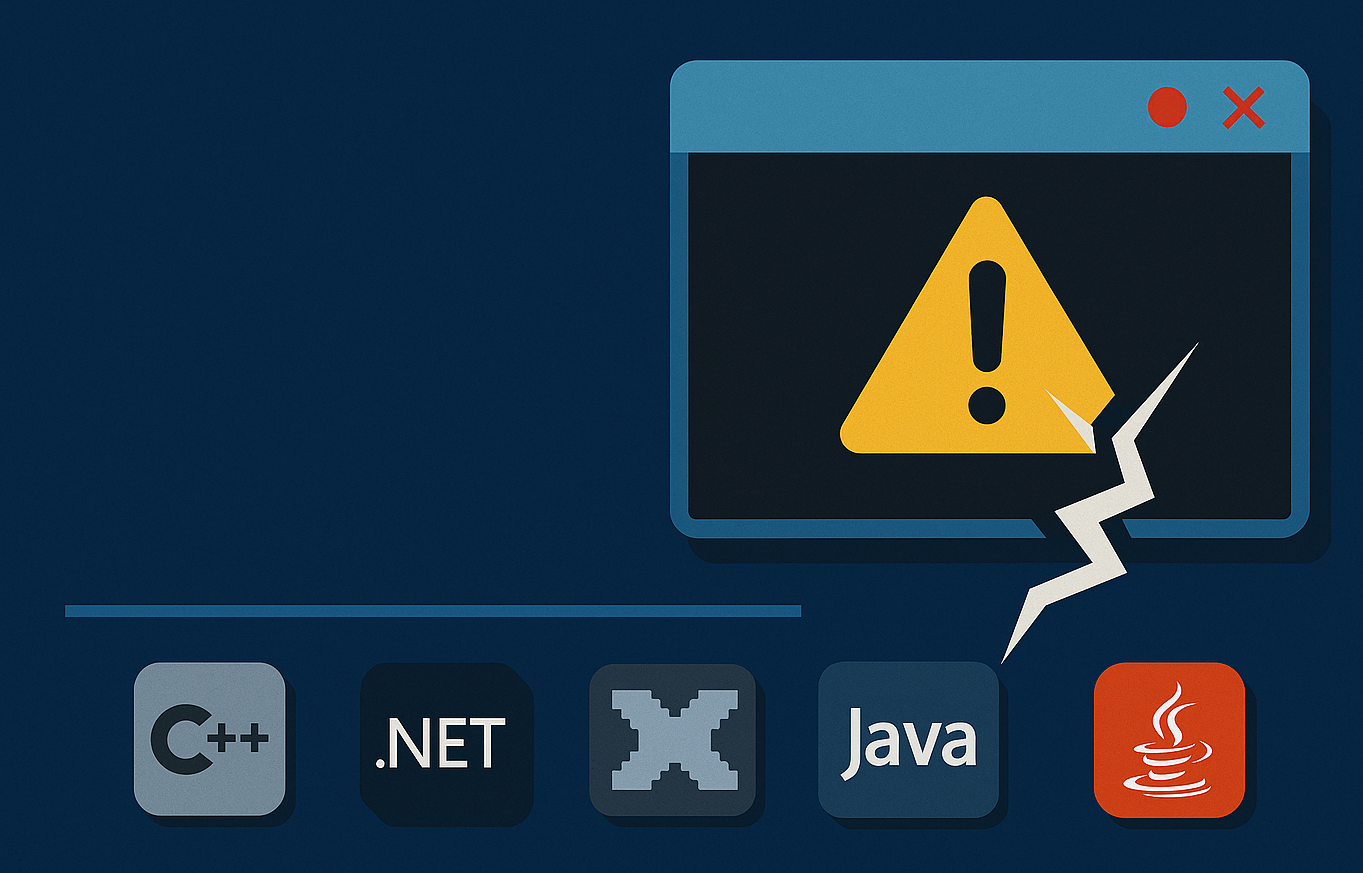
Few things are more frustrating than a sluggish Windows PC. Applications take longer to open, games stutter unexpectedly, and everyday tasks feel slower than they should. In many cases, users assume the problem is aging hardware or too many background programs. But surprisingly often, the culprit is something much simpler: missing or outdated runtime libraries.
Modern Windows applications rely on a variety of software frameworks to run properly. These frameworks—commonly known as runtimes, include components like Microsoft Visual C++ Redistributables, .NET frameworks, and other system libraries. When these components are missing, outdated, or fragmented across versions, programs may run inefficiently or fail to launch altogether.
This is where All in One Runtimes comes into play. Designed as a comprehensive package of essential runtime libraries, it helps ensure your system has the dependencies needed to run applications smoothly. In this guide, we’ll explore what runtime libraries are, why they matter, and how installing an All in One Runtimes package can help reduce system lag and improve overall Windows performance.
What Are Runtime Libraries?
To understand how runtime packages improve performance, it helps to know what runtime libraries actually do.
Runtime libraries are collections of pre-written code that applications rely on to perform common functions. Instead of building every feature from scratch, developers use these libraries to handle tasks such as:
- Memory management
- Graphics rendering
- Network communication
- File operations
- System interface functions
This approach saves development time and ensures compatibility across different software environments.
For example, many applications depend on Microsoft Visual C++ Redistributable packages to execute core program functions. Without the correct version installed, the program may display errors or run inefficiently.
Why Missing Runtimes Cause System Lag
When runtime libraries are missing or outdated, Windows applications may struggle to perform properly.
Common symptoms include:
- Slow program launches
- Application crashes
- Random error messages
- Stuttering or lag in games
- Incomplete software installations
Some programs attempt to install their required runtime components automatically, but this process can lead to conflicting versions or incomplete setups.
Over time, a system may accumulate a patchwork of runtime installations, some outdated, some missing entirely. This fragmented environment can create instability that slows down your system.
Installing a unified runtime package helps restore order and compatibility.
What Is All in One Runtimes?
All in One Runtimes is a bundled installer that includes many of the runtime libraries commonly required by Windows applications.
Instead of downloading individual components separately, the package provides a convenient way to install them all at once.
Typical runtime bundles may include:
- Microsoft Visual C++ Redistributables
- Microsoft .NET Framework components
- DirectX runtime libraries
- Additional system libraries used by modern software
By installing these dependencies in a single process, users can ensure their system is ready to support a wide range of applications.
This approach is particularly useful for users who:
- Frequently install new software
- Play PC games
- Run development tools
- Use multimedia editing programs
How All in One Runtimes Improves System Performance
Although runtime packages don’t directly “speed up” hardware, they help ensure software runs efficiently and without conflicts.
Here are several ways they can improve system responsiveness.
1. Ensuring Software Compatibility
Applications designed for different versions of Windows often rely on specific runtime components.
If those components are missing, Windows may attempt to emulate compatibility or repeatedly search for required files, which slows performance.
Installing all necessary runtimes ensures applications launch and operate as intended.
2. Reducing Error Messages
Many Windows users encounter messages such as:
- “MSVCP140.dll is missing”
- “VCRUNTIME140.dll not found”
- “Application failed to start because a required component is missing”
These errors occur when required runtime libraries aren’t present on the system.
Installing a comprehensive runtime package eliminates these errors and prevents repeated program launch attempts that waste system resources.
3. Improving Game Stability
PC games are among the most demanding applications when it comes to runtime dependencies.
Game engines frequently rely on:
- Visual C++ libraries
- DirectX components
- Graphics-related runtime files
If any of these are missing or outdated, players may experience:
- Frame drops
- Crashes during gameplay
- Long loading times
Ensuring all required runtimes are installed helps maintain smoother gameplay.
4. Supporting Older Applications
Many legacy applications rely on runtime components from older Windows environments.
Modern systems may not include these libraries by default.
All in One Runtimes packages often include multiple versions of Visual C++ Redistributables, ensuring compatibility with both new and older programs.
This prevents the need to hunt down outdated installers across the internet.
Installing All in One Runtimes on Windows
Installing a runtime bundle is usually a straightforward process.
Most packages provide a simple interface that allows users to select which components to install.
Typical installation steps include:
- Launch the runtime installer.
- Choose recommended runtime packages.
- Start the installation process.
- Restart your system if prompted.
Once installed, the runtime libraries become available to any compatible application on your system.
This centralized installation approach helps maintain consistency across software environments.
Best Practices for Optimizing Windows Performance
While runtime libraries are important, reducing system lag involves several additional steps.
Combining runtime optimization with good system maintenance can significantly improve Windows performance.
Keep Windows Updated
Microsoft regularly releases updates that improve system stability and security.
Installing the latest updates ensures that your system remains compatible with modern applications.
Manage Startup Programs
Too many startup programs can slow system boot times and consume background resources.
Review your startup list and disable unnecessary applications.
Maintain Adequate Storage Space
When your system drive becomes nearly full, Windows performance can decline.
Keeping sufficient free space allows the operating system to manage temporary files and system processes more efficiently.
Update Graphics Drivers
For users who play games or use multimedia software, graphics drivers play a critical role in system performance.
Installing the latest GPU drivers ensures compatibility with modern applications and runtime libraries.
When to Use Runtime Packages
All in One Runtimes packages are particularly useful in several scenarios.
After a Fresh Windows Installation
When setting up a new Windows system, installing runtime libraries early ensures that software installations proceed smoothly.
When Experiencing Software Errors
If applications fail to launch due to missing DLL files or runtime errors, installing a runtime bundle can quickly resolve the issue.
For Gaming PCs
Gaming systems often require multiple runtime libraries to support different game engines.
Installing a comprehensive runtime package helps avoid compatibility problems.
For Developers and Power Users
Developers frequently work with software tools that rely on multiple runtime environments.
Installing all required libraries simplifies the development workflow.
Avoiding Runtime Conflicts
Although runtime bundles simplify installation, it’s important to install them carefully.
Here are some tips to avoid potential conflicts:
- Install runtimes from trusted sources
- Avoid uninstalling runtime libraries used by other programs
- Keep runtime versions updated
- Restart your system after major runtime installations
These precautions help maintain a stable software environment.
The Future of Windows Software Dependencies
As Windows continues to evolve, software developers are increasingly adopting modern frameworks that simplify dependency management.
Technologies such as containerized applications and universal app platforms may reduce the need for manual runtime installations in the future.
However, for the foreseeable future, many desktop applications will continue relying on traditional runtime libraries.
Maintaining a complete runtime environment remains essential for smooth system performance.
System lag can stem from many sources, but missing or outdated runtime libraries are an often-overlooked cause of software instability.
By installing an All in One Runtimes package, users can ensure their Windows system has the dependencies required to run a wide range of applications efficiently. This not only reduces error messages and compatibility problems but also helps applications launch faster and operate more smoothly.
Combined with regular system maintenance such as updating Windows, managing startup programs, and maintaining adequate storage runtime optimization can play a valuable role in keeping your PC responsive.